
After attending SigstoreCon, I got inspired by Priya Wadhwa’s Keynote: Signing Git Commits with Gitsign, to finally set up gitsign for my dev environment. It seemed straightforward enough, right?
Following the instructions#
I am mostly working with VSCode using their amazing SSH remote extension. After following Priya’s configuration example, the browser opened on my local machine, but the OIDC redirect flow failed and I got greeted with:
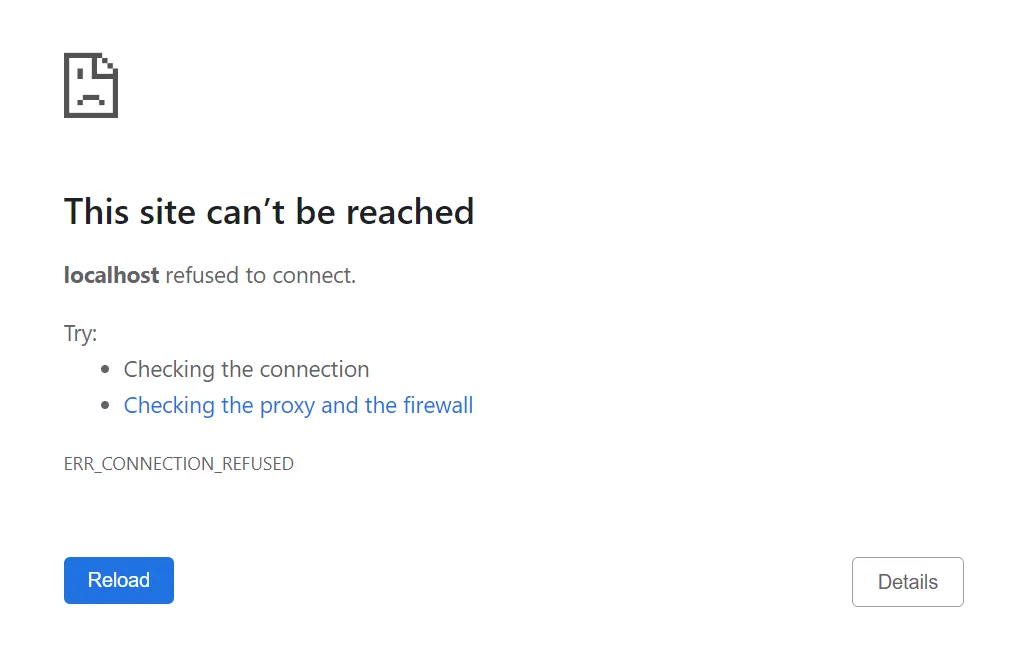
This makes sense! The browser has no connection to my remote machines to complete the OIDC flow.
Two configurations were necessary to solve this problem:
Create a static redirect URL#
By default, gitsign will use a random port to create the redirect URL. Compare the callback generated for two subsequent calls to gitsign:
http://localhost:39807/auth/callback?code=…http://localhost:34275/auth/callback?code=…
We can force the usage of a static port by setting the redirectURL config parameter:
git config --local gitsign.redirectURL http://localhost:39807/auth/callbackCreate a route from your browser to the remote host#
This heavily depends on your setup and where your remote machine is located.
One of my environments uses Virtual Box and there is build-in support to create NAT port forwarding rules.
When working with cloud machines you could use SSH tunnels to create a route.
Final git config#
commit.gpgsign=true
tag.gpgsign=true
gpg.x509.program=gitsign
gpg.format=x509
gitsign.redirecturl=http://localhost:39807/auth/callback
gitsign.connectorid=https://github.com/login/oauth
To shave off another second of the OIDC process I also included the correct connectorid, so I do not have to select which OIDC provider to use.
Originally published on Medium.